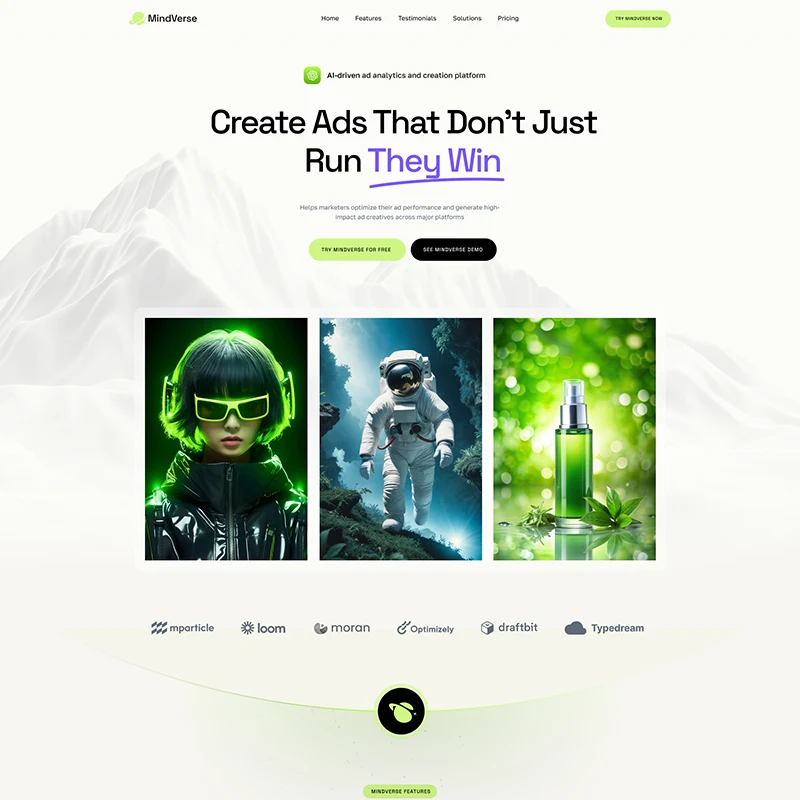
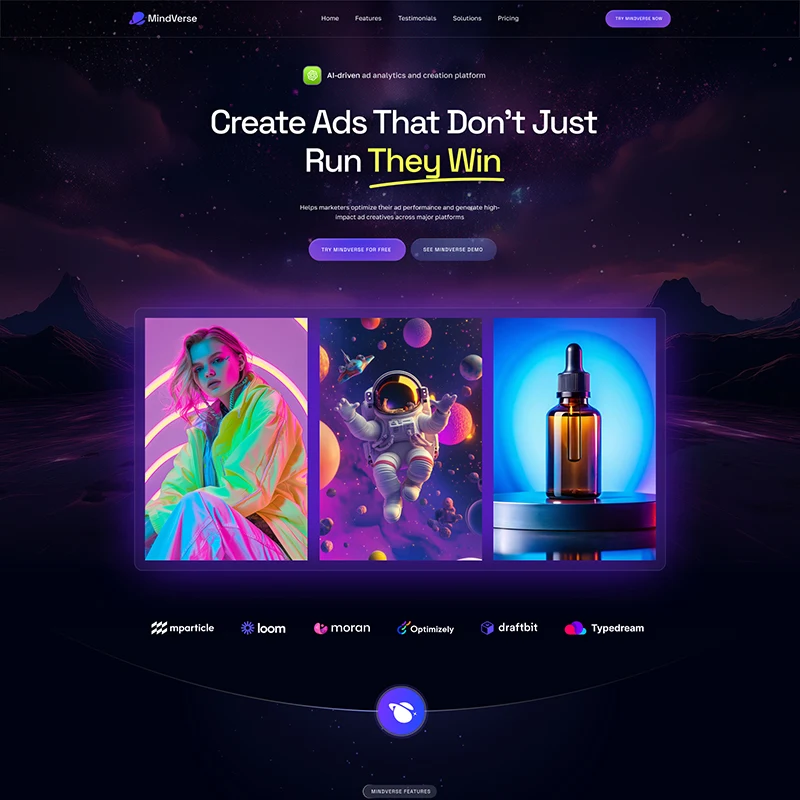
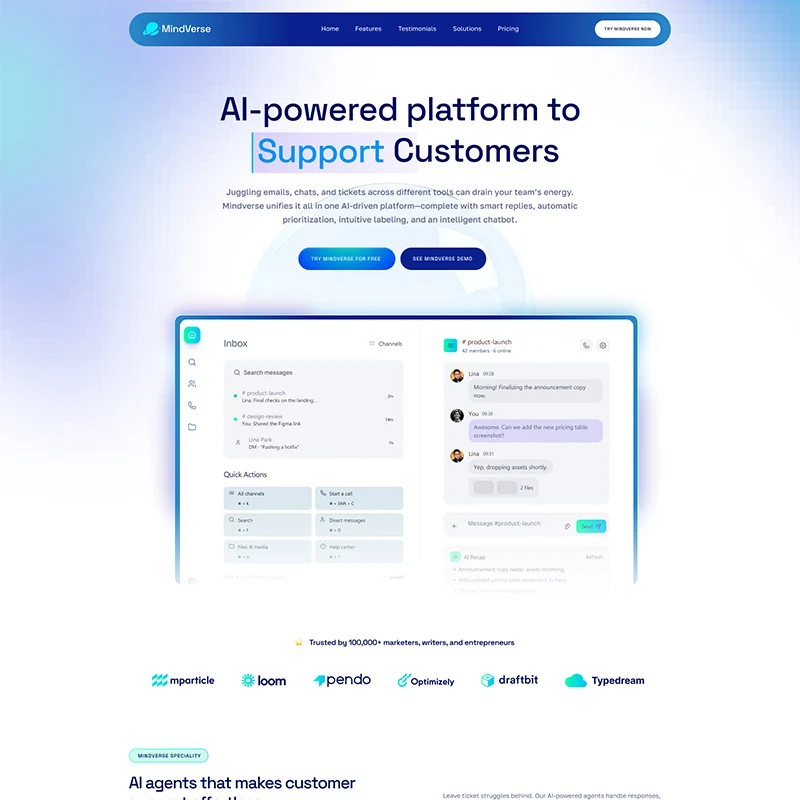
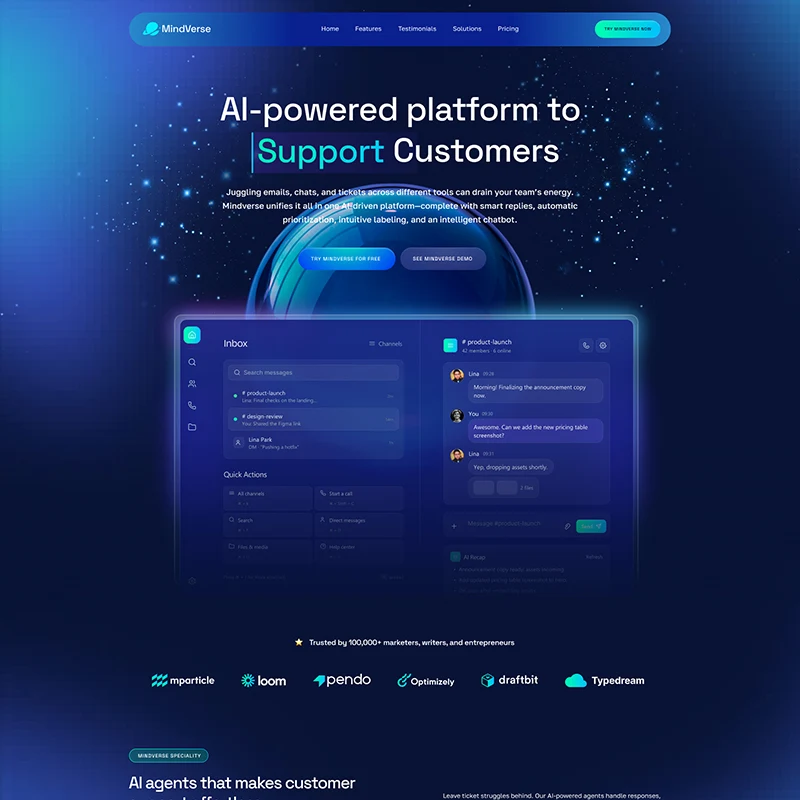
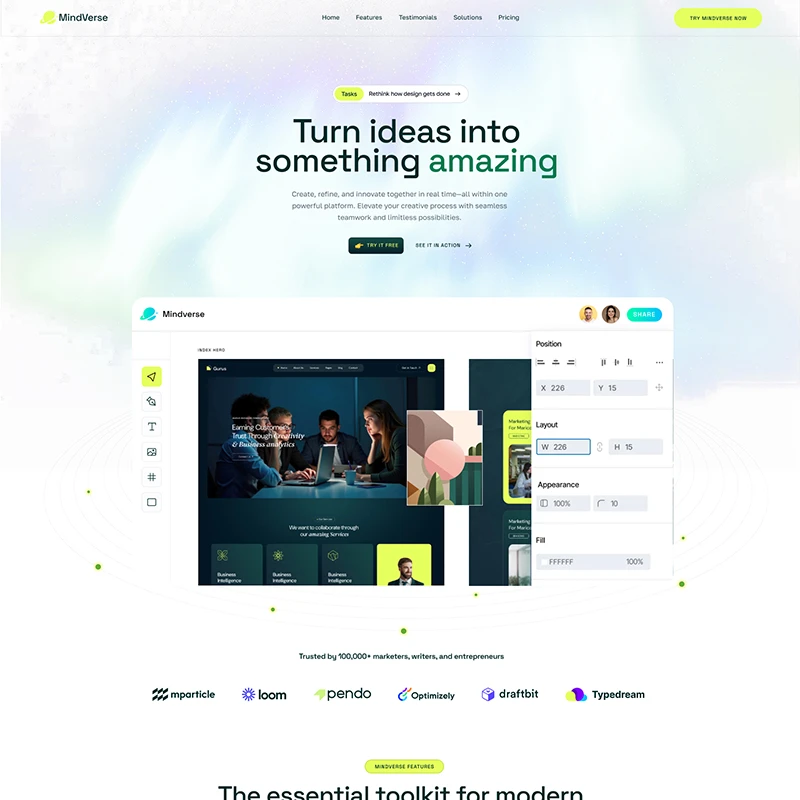
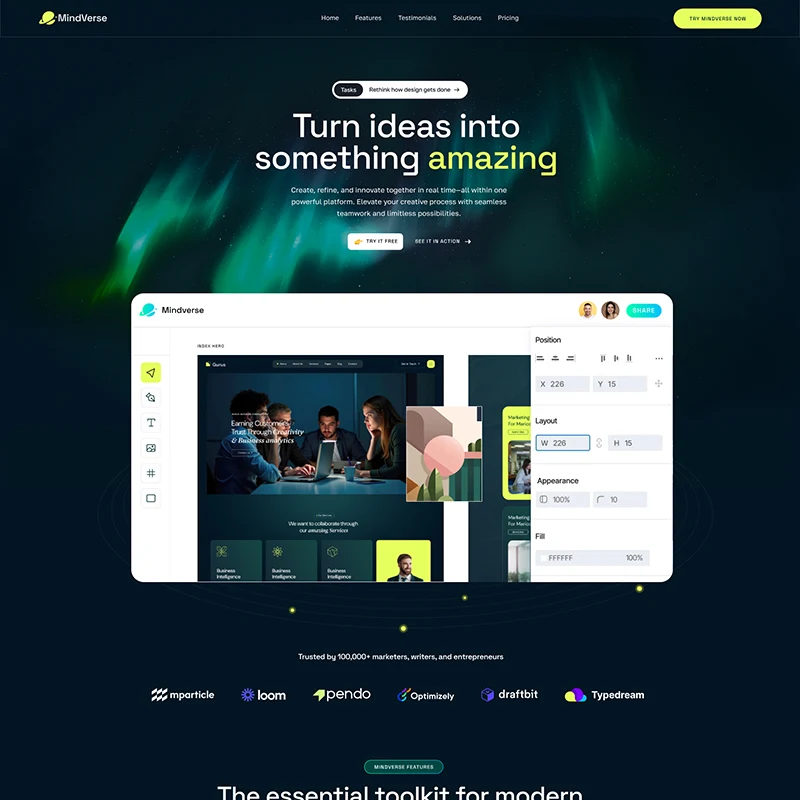
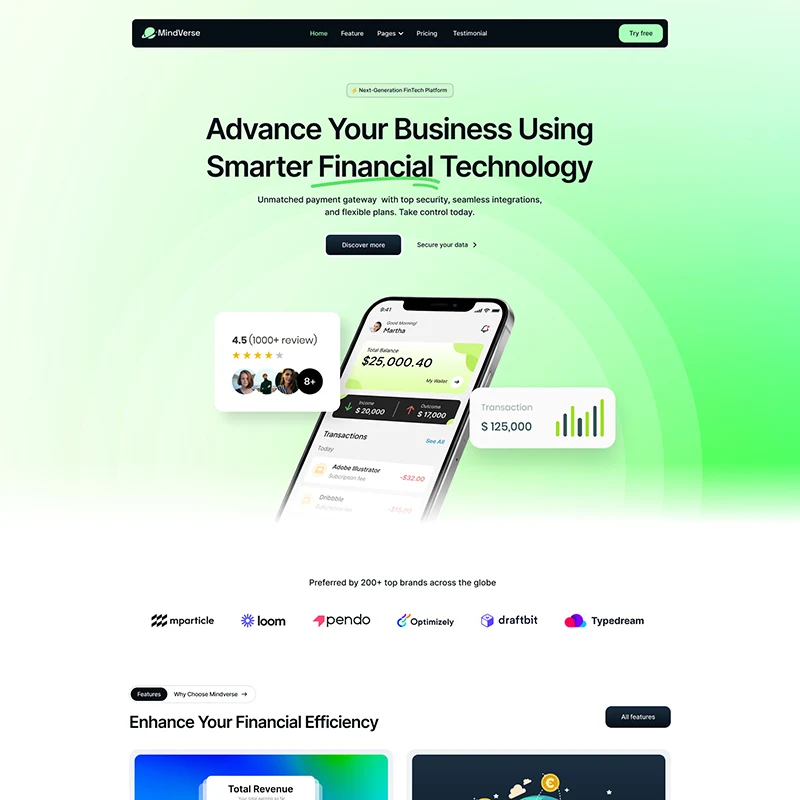
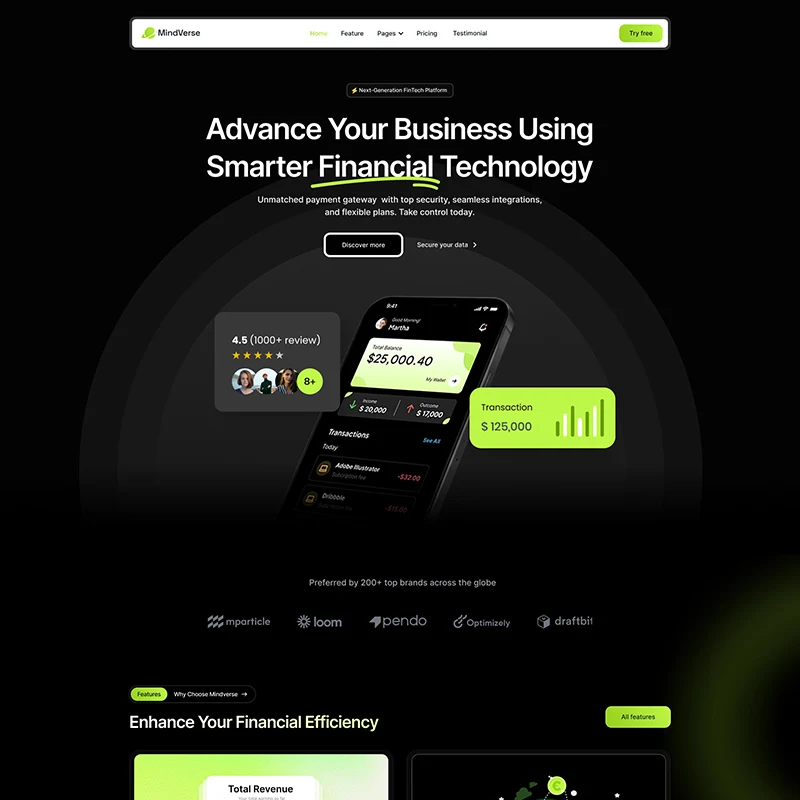
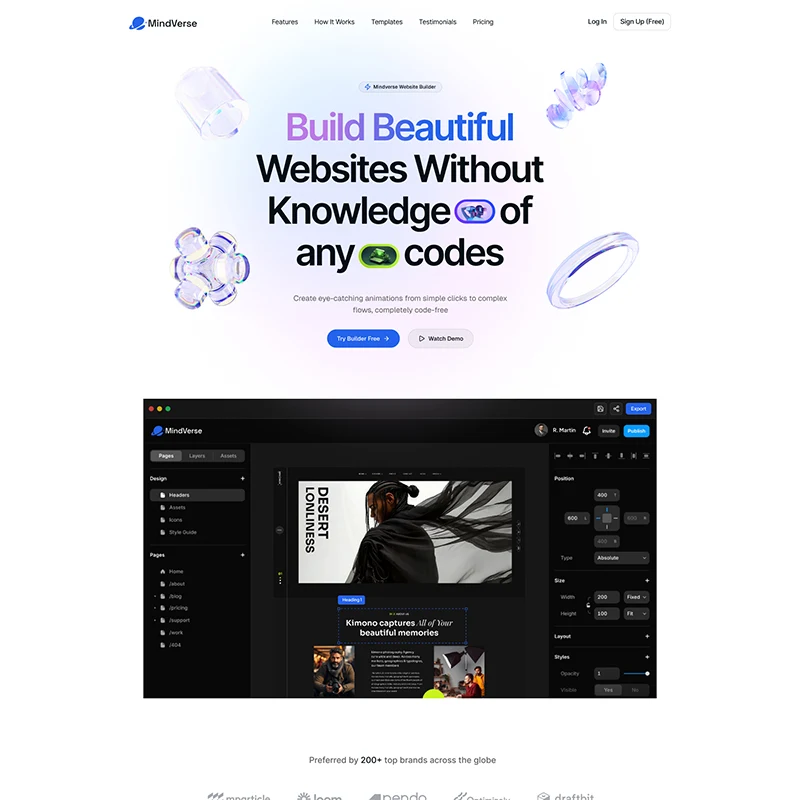
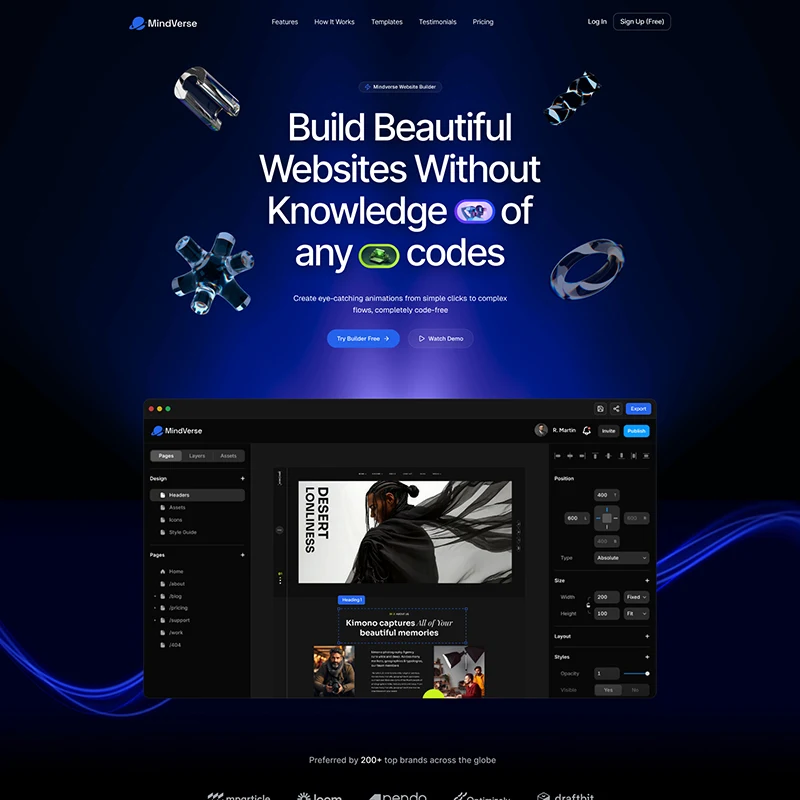
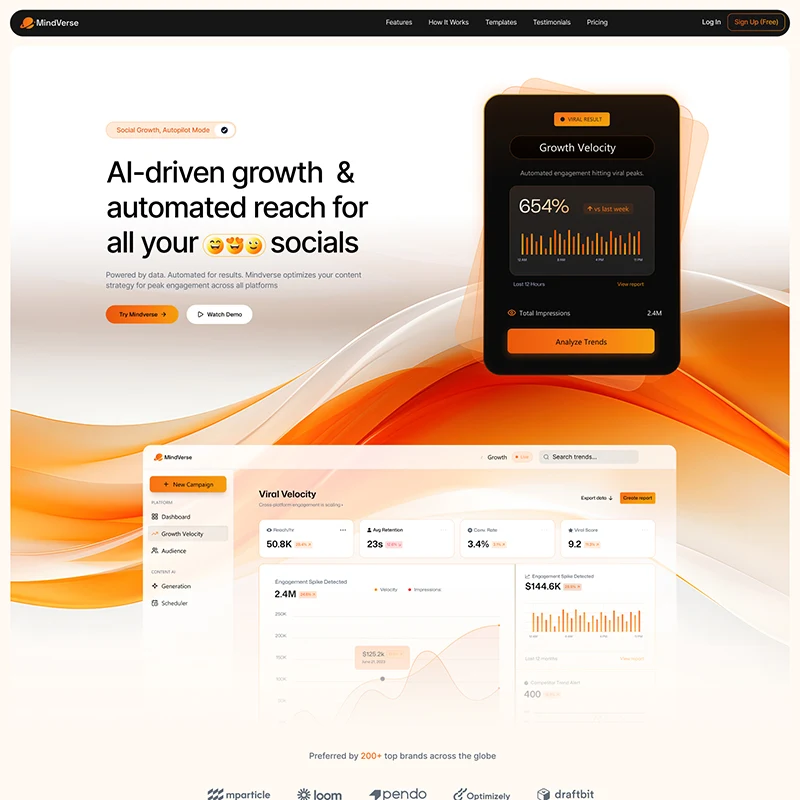
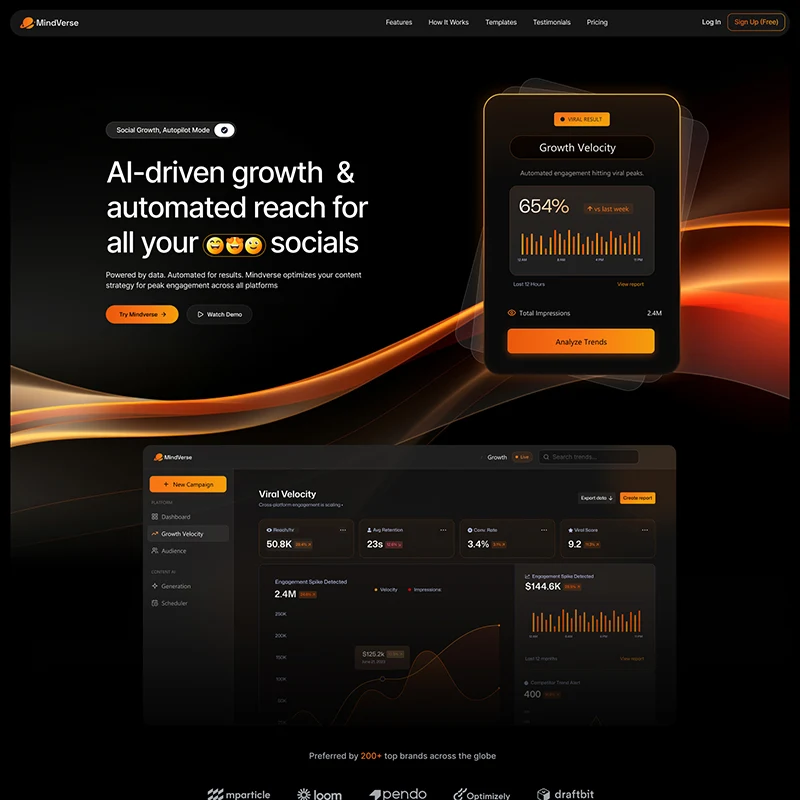
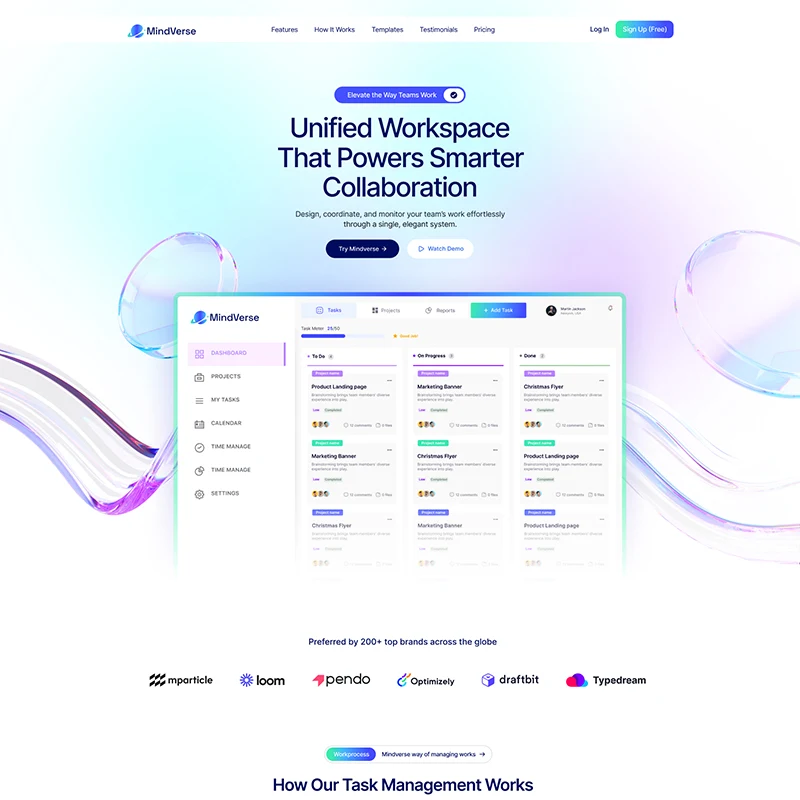
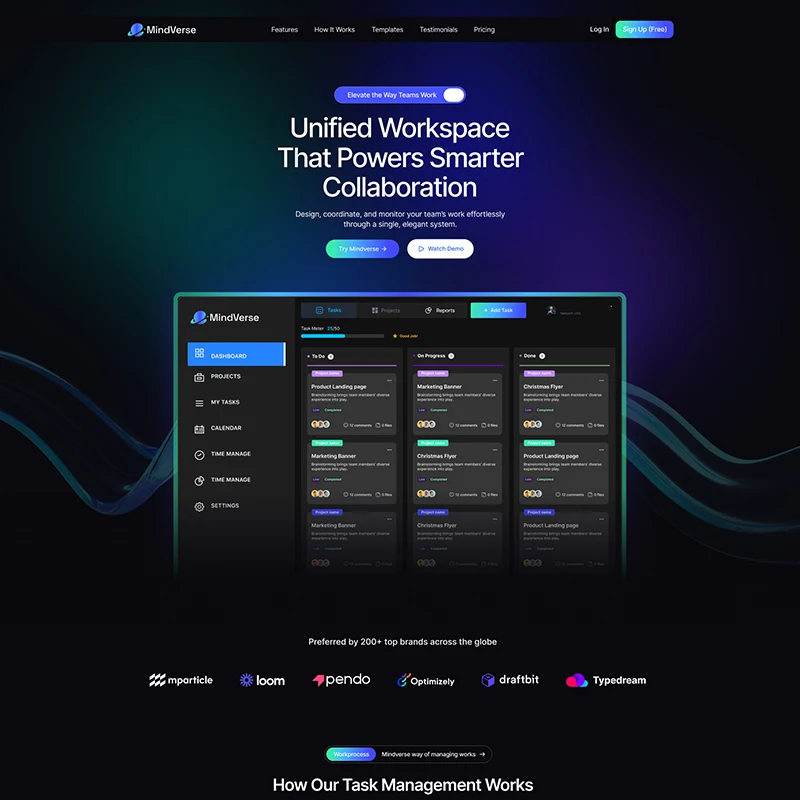
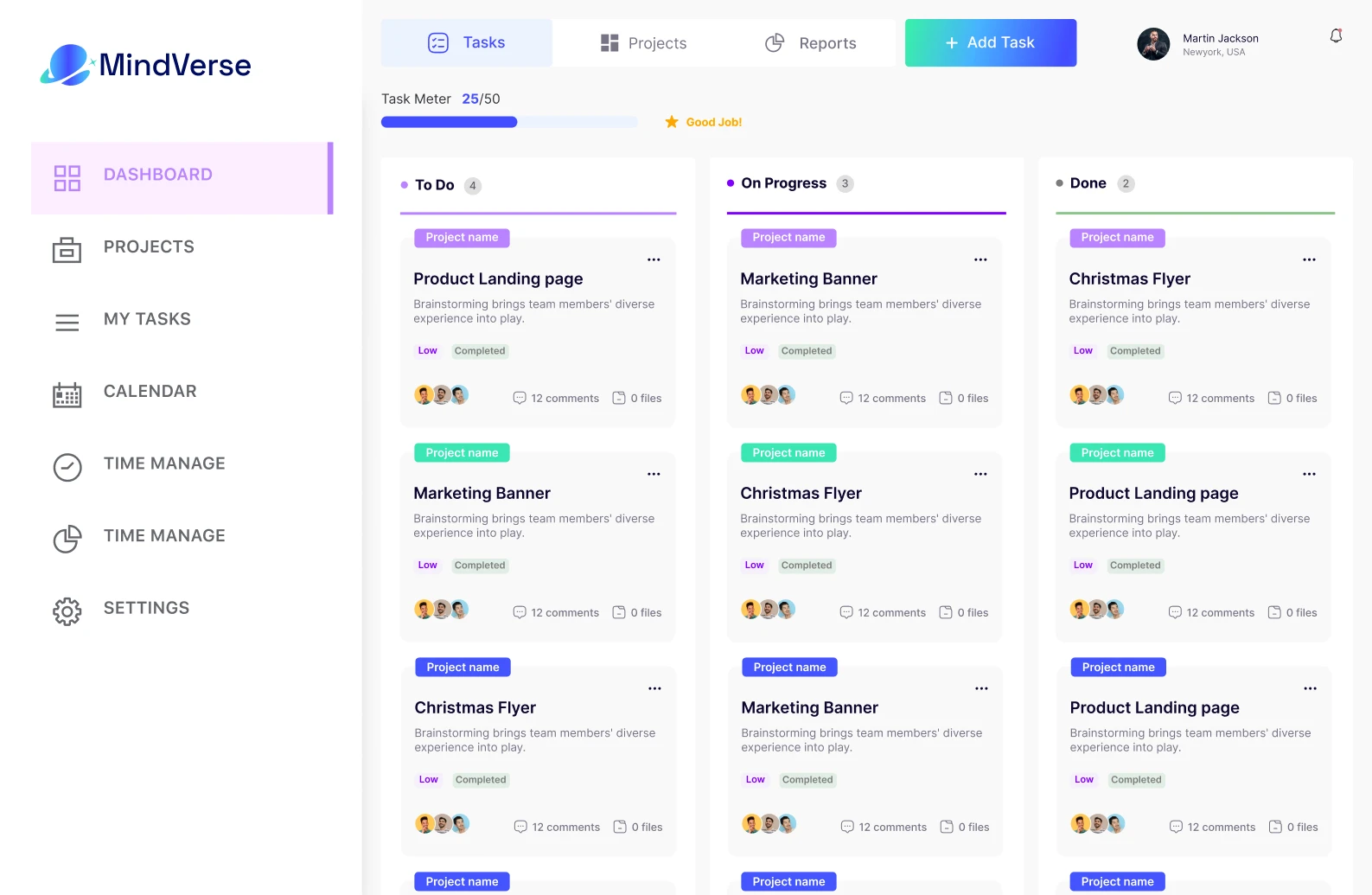






Unified Workspace That Powers Smarter Collaboration
Design, coordinate, and monitor your team’s work effortlessly through a single, elegant system.
Preferred by 200+ top brands across the globe
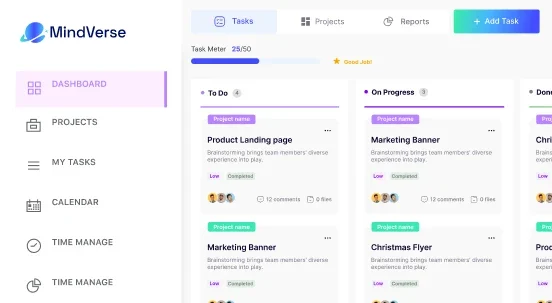
How Our Task Management Works
A streamlined workflow that helps you plan, execute, and track tasks with complete visibility.Designed to keep teams aligned by simplifying task flow
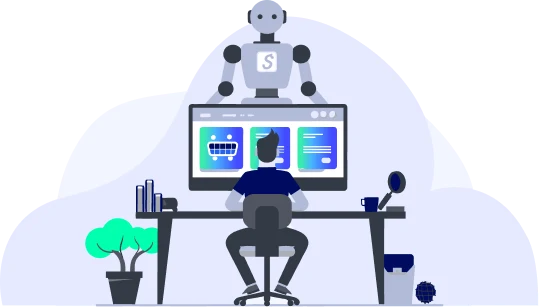
AI creates smart tasks
AI analyzes your work and turns it into structured, actionable tasks automatically.
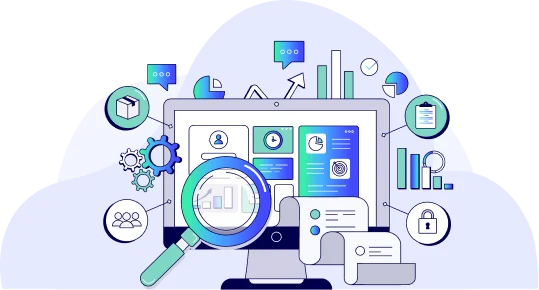
Assign priorities securely
Rank work by importance while safeguarding assignments with strong security layers.
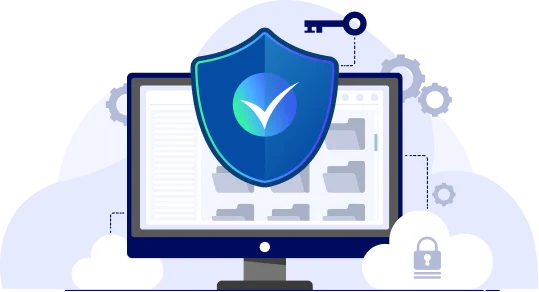
Secured Data Tracking
Track task progress with encrypted data logs and protected performance insights.
Scale your social reach instantly
Mindverse analyzes millions of data points to predict trends, automate engagement, and schedule content when your audience is most active.
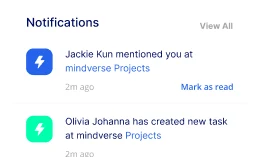
Versatile Notification system
Get alerts your way with smart, secure, & multi-channel notifications that keep you updated
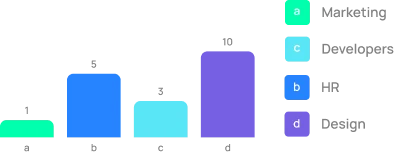
Productivity Tracking
Track productivity with protected analytics that reveal progress and opportunities to work better.
Task Progress
Team Collaborations
Collaborate smarter with instant updates, and organized teamwork in one connected hub
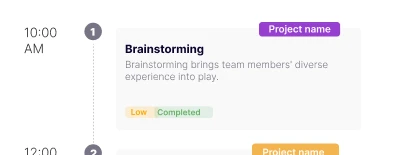
Automated Task Control
Take control of your projects with automated task management that reduces manual effort, minimizes errors, and maintains secure, real-time progress tracking.
- AI structures tasks
- Team gets priorities
- System tracks progress
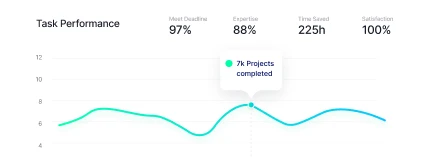
Tracking task performance
Monitor task efficiency and outcomes with AI-enhanced analytics, secure tracking, and performance insights that help improve future work.
Create custom workflows
Design workflows your way with flexible stages, rules, and automation that match how your team works best.
Return on investment
Revenue Increase
Hours Saved
Client Satisfaction
Customer experience, reimagined with
Mindverse analyzes millions of data points to predict trends, automate engagement, and schedule content when your audience is most active.
Words of our valuable customers
Genuine stories and detailed feedback from customers who trust our solutions, reflect real value, and inspire continuous improvement.
Choose your Pricing Package
Choose the perfect plan to automate your social presence, analyze trends in real-time, and grow your audience on autopilot.
Starter
Best for personal use, students
- Access to essential tools
- Basic insights and analytics
- Up to 10 team members
- 20GB storage per user
- Standard chat & email support
Most Popular
Growth
Best for freelancers & business
- 200+ integrations
- Deep-dive reporting and insights
- Up to 20 team members
- 40GB storage per user
- Priority support via chat & email
Enterprise
Best for large teams, agencies
- Advanced custom fields
- Full audit logs & data history
- Unlimited users and roles
- Unlimited storage and API access
- Dedicated onboarding support
Starter
Best for personal use, students
- Access to essential tools
- Basic insights and analytics
- Up to 10 team members
- 20GB storage per user
- Standard chat & email support
Most Popular
Growth
Best for freelancers & business
- 200+ integrations
- Deep-dive reporting and insights
- Up to 20 team members
- 40GB storage per user
- Priority support via chat & email
Enterprise
Best for large teams, agencies
- Advanced custom fields
- Full audit logs & data history
- Unlimited users and roles
- Unlimited storage and API access
- Dedicated onboarding support
The Questions mostly Asked here
Clear answers to help you understand features, workflow, and secure task handling with confidence
How does task management software improve team efficiency?
It centralizes work, assigns ownership, sets priorities, and tracks progress, reducing miscommunication and manual coordination. Yes, many systems use AI or automation rules to generate, assign, and update tasks
Can tasks be automated instead of assigned manually?
Yes. Tasks can be automated using predefined rules, workflows, or AI-driven triggers. This allows tasks to be created, assigned, updated, or moved automatically based on conditions such as status changes, deadlines, or user actions—saving time and reducing manual effort.
How are notifications delivered to users?
Notifications are delivered through multiple channels including in-app alerts, email notifications, and real-time updates. Users can customize their notification preferences to stay informed about task changes, assignments, deadlines, and important project updates without being overwhelmed.
Is project and task data secure inside the platform?
Absolutely. All project and task data is protected using industry-standard security measures such as data encryption, secure authentication, and role-based access control. Regular system monitoring and backups ensure data integrity, privacy, and reliability at all times.